Creating a productive home office space is essential for anyone working remotely or running a business from home. A well-organised, comfortable environment can significantly improve your focus, motivation, and overall output. In this guide, we will explore practical tips to help you design a home workspace that supports productivity and well-being.
Choose the Right Location
Selecting the right spot for your home office is the foundation of productivity. Ideally, pick a quiet area with minimal distractions. It could be a spare room, a corner of your living room, or a section of your bedroom, but make sure it’s a dedicated space for work.
Consider Natural Light
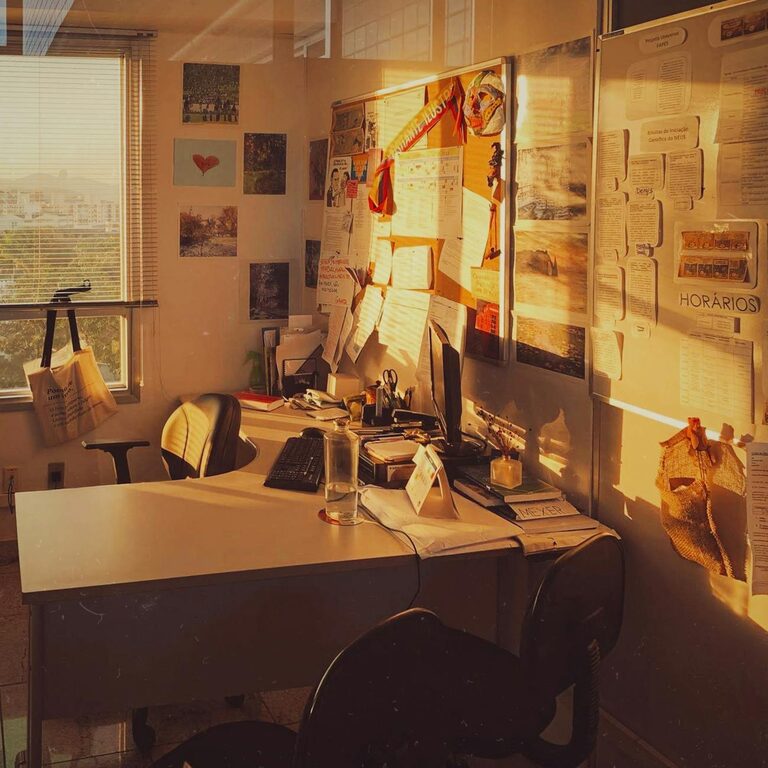
Natural light is not only pleasant but also helps regulate your body clock and reduce eye strain. Position your desk near a window if possible, and use blinds or curtains to control glare.
Avoid High-Traffic Areas
Try to avoid places in the home where people frequently walk by or gather. Noise and interruptions can break your concentration and reduce efficiency.
Invest in Quality Furniture
Your furniture directly impacts your comfort and health during work hours.
Ergonomic Chair
Choose a chair that supports your lower back and encourages good posture. Adjustable height and tilt features can further enhance comfort.
Functional Desk
A desk with enough surface area to accommodate your computer, stationery, and other essentials is important. Consider a sit-stand desk if you want to vary your working positions.
Organise Efficiently
Keeping your workspace tidy and organised reduces stress and saves time looking for items.
Use Storage Solutions
Shelves, drawers, and filing cabinets help keep papers and supplies organised and out of the way.
Desk Organisers
Use trays, pen holders, and cable management tools to keep your desktop clutter-free.
Minimise Distractions
Limiting distractions is key for productivity in a home setting.
Set Clear Boundaries
If you live with others, communicate your working hours and ask for privacy during those times.
Use Noise Control Aids
Noise-cancelling headphones or a white noise machine can help block out background sounds.
Personalise Your Space
A workspace that feels inviting can make work more enjoyable.
Add Plants
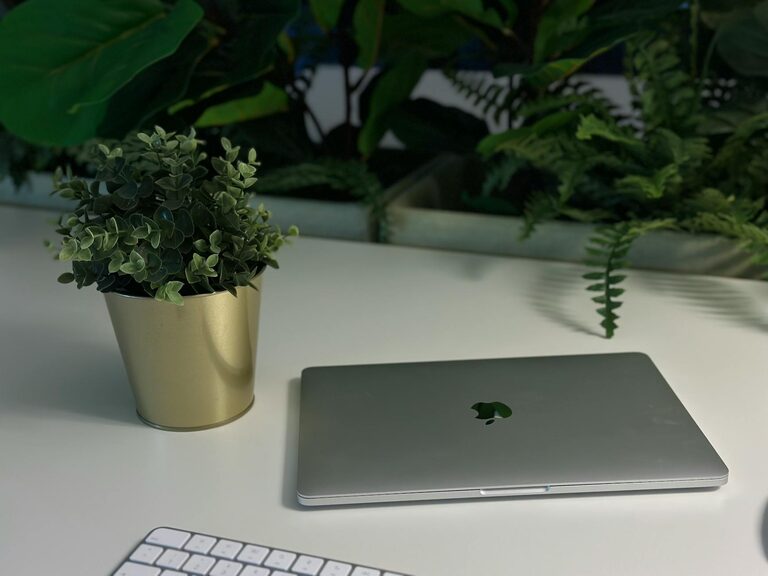
Indoor plants not only improve air quality but also add colour and a calming effect.
Use Inspiring Decor
Artworks, photos, or motivational quotes can boost mood and creativity.
Optimise Lighting and Technology
Proper lighting and reliable technology improve your workflow and reduce eye strain.
Supplement with Desk Lamps
If natural light is insufficient, use adjustable desk lamps with soft, warm light.
Upgrade Your Equipment
Ensure your computer, internet connection, and peripherals are up to date to avoid technical frustrations.
Establish a Routine
Even with the perfect environment, a routine helps maintain productivity.
Set Working Hours
Define start and finish times for work to create structure.
Take Regular Breaks
Short breaks every hour improve focus and reduce fatigue. Use techniques like the Pomodoro method if preferred.
Maintain Good Ergonomics
Prevent repetitive strain and discomfort by adopting ergonomic practices.
Position Your Screen
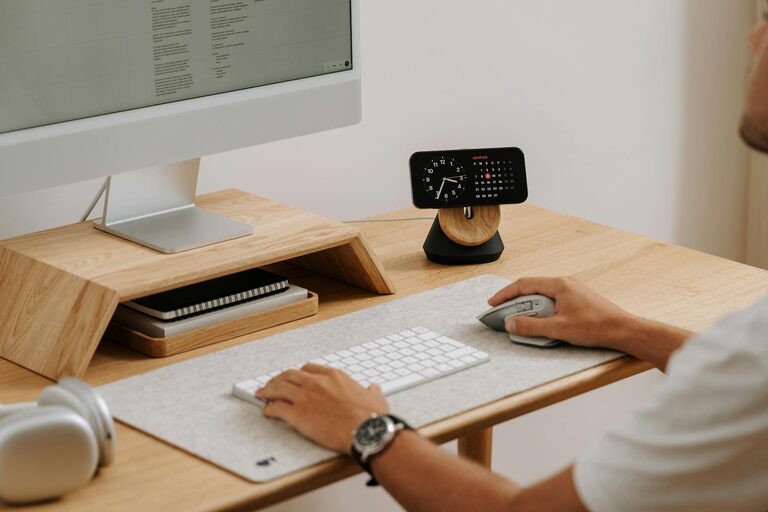
Keep your monitor at eye level and about an arm’s length away.
Keyboard and Mouse Placement
Keep them comfortably within reach to avoid overextension.
Stay Connected
Working from home can be isolating, so staying connected is important for motivation.
Virtual Meetings
Schedule regular video calls with colleagues or clients to maintain communication.
Social Breaks
Taking time to chat informally with others can help reduce feelings of isolation.
—
Creating a productive home office space doesn’t require a complete overhaul. Small changes like improving organisation, investing in comfortable furniture, and optimising your routines can have a big impact. By tailoring your workspace to your needs and habits, you’ll create an environment that supports focus and efficiency, making working from home a positive experience.
About the Author