Creating a productive home office environment is key to maintaining focus and efficiency, whether you work remotely full-time or just need a dedicated space for occasional tasks. A well-designed workspace helps you separate professional and personal life, reduces distractions, and supports good posture and wellbeing. Here are some practical tips to help you set up an effective home office that suits your needs.
Choose the Right Location
Find a Quiet, Dedicated Space
The first step is to select a suitable spot in your home. Ideally, this should be a quiet area away from high-traffic zones such as kitchens or living rooms. Having a dedicated room or corner signals to your brain that it’s time to work and makes it easier to switch off when the day ends.
Consider Natural Light and Ventilation
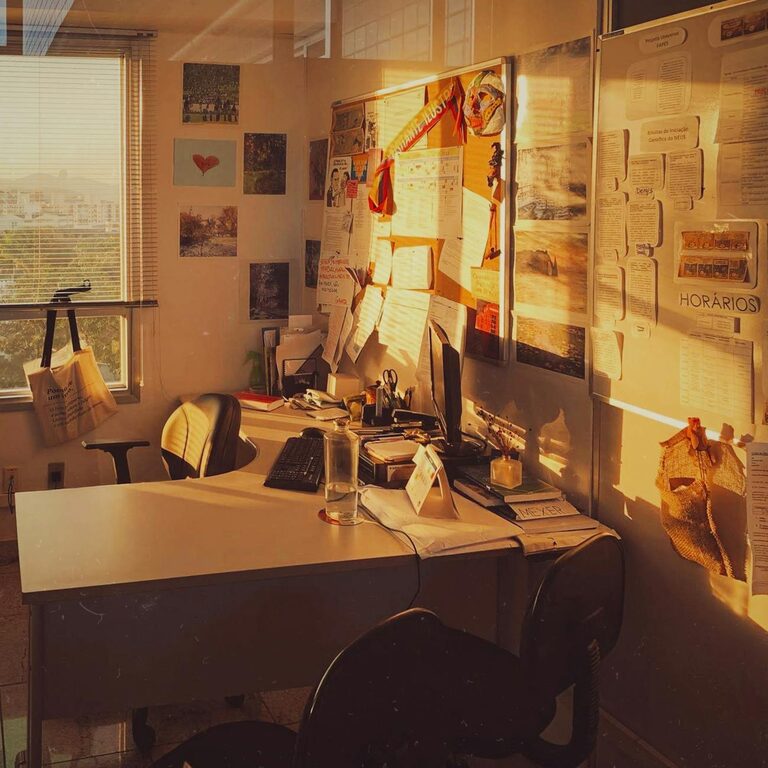
If possible, locate your desk near a window. Natural light boosts mood and alertness, while fresh air improves concentration. Avoid harsh glare on your screen by positioning your desk perpendicular to the window.
Invest in Ergonomic Furniture
Choose a Comfortable Chair
Spending long hours seated means investing in an ergonomic chair with lumbar support, adjustable height, and armrests. This helps maintain good posture and prevents back or neck pain.
Select an Appropriate Desk
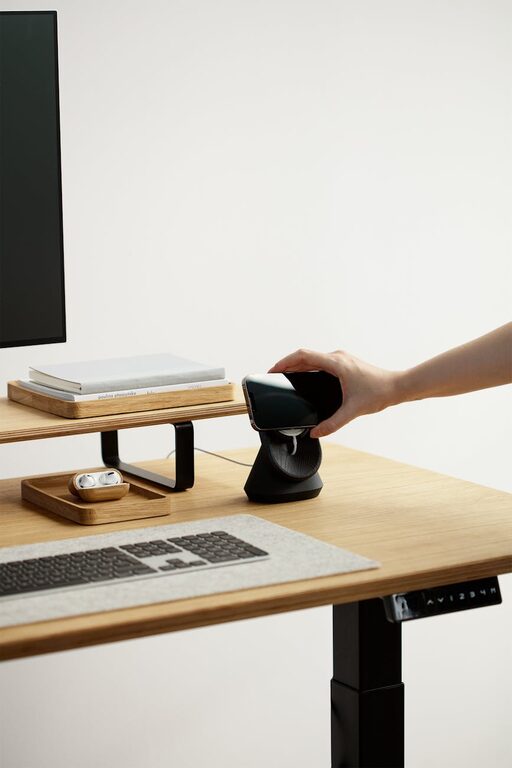
Pick a desk with enough space for your computer, paperwork, and accessories without being cluttered. Adjustable desks or those suitable for standing work can offer flexibility and reduce sedentary time.
Organise Your Workspace
Keep Essentials Within Reach
Use organisers, drawers, or trays to store items like pens, notebooks, and charging cables. Keeping frequently used items close avoids unnecessary distractions searching for supplies.
Minimise Clutter
A tidy desk reduces stress and helps you focus. Regularly clear away unneeded papers and gadgets. Digitalising notes and documents can also limit piles of paper.
Set Up Technology Thoughtfully
Invest in Reliable Equipment
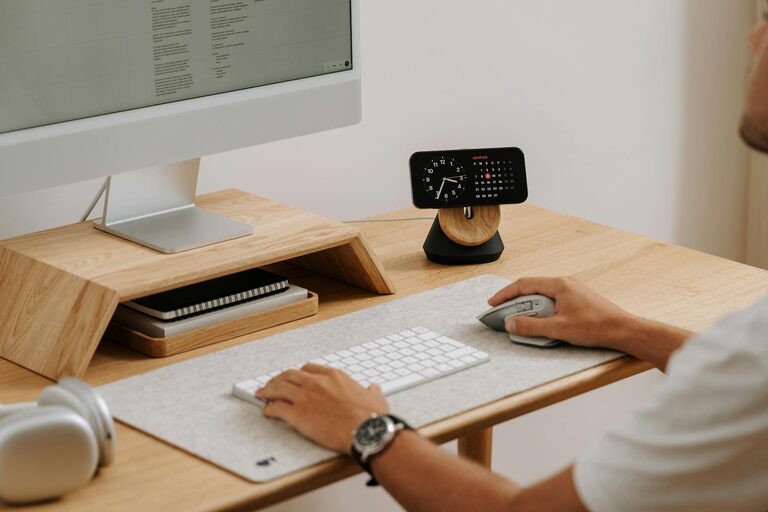
A fast internet connection, a good quality monitor, keyboard, and mouse all contribute to smoother workflow. Consider a headset for clear communication during virtual meetings.
Manage Cables
Tidy up cables using clips or cable organisers to prevent tangles and maintain a professional look.
Create a Productive Atmosphere
Use Colours Wisely
Colours influence mood and creativity. Soft blues and greens often promote calmness and focus, while brighter hues like yellow can stimulate energy. Choose what feels best for you.
Add Personal Touches
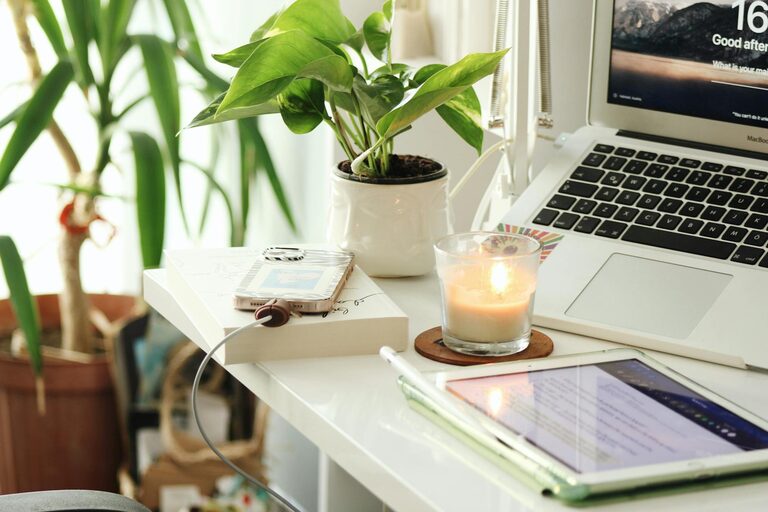
Plants, photos, or artwork can make your workspace inviting and motivate you. Just avoid excessive decoration that might become a distraction.
Establish Boundaries
Set Clear Working Hours
Define your start and finish times to separate work from personal life. Communicate these hours with family or housemates to reduce interruptions.
Use Signals to Indicate Availability
If you share your home, consider a simple signal such as a closed door or wearing headphones to demonstrate you are working.
Manage Noise and Distractions
Use Noise-Cancelling Headphones
These can block out background noise, enhancing concentration, especially in busy households.
Limit Digital Interruptions
Turn off non-essential notifications and use apps or browser extensions to block distracting websites during work periods.
Prioritise Comfort and Wellness
Take Regular Breaks
Use the Pomodoro Technique or similar methods to take brief, scheduled breaks. This helps reduce eye strain and keeps energy levels steady.
Maintain Good Lighting and Temperature
Adjust lighting to prevent glare and keep the room comfortably ventilated. Consider a desk lamp for focused tasks.
Final Thoughts
Designing a productive home office environment combines thoughtful layout, ergonomic furniture, good organisation, and clear boundaries. Experiment with different setups until you find what works best for your routine and preferences. With the right space, you can boost your productivity and enjoy a better balance between work and home life.
About the Author